Example
Track-specific pluck example
A track-specific pluck example matters because many producers do not need “more plucks” in general. They need one pluck instrument that finally fits the current song.
This page is about that narrower but more valuable job: replacing almost-right presets with one clearer instrument brief.
Sound brief
The user wants one pluck instrument shaped around the current track, not another preset folder to search through.
Brief
Build me a track-specific pluck with short attack, bright but controlled highs, and enough body to sit inside one melodic arrangement without sounding stock.
What Studio 56 produced
The workflow is framed as a fast path to one more personal pluck instrument. The public path remains standalone Mac first, with VST3 export available on Pro.
- Brief to standalone Mac synth
- VST3 export path on Pro
- Arrangement-specific pluck framing instead of a generic preset-library outcome
Proof assets
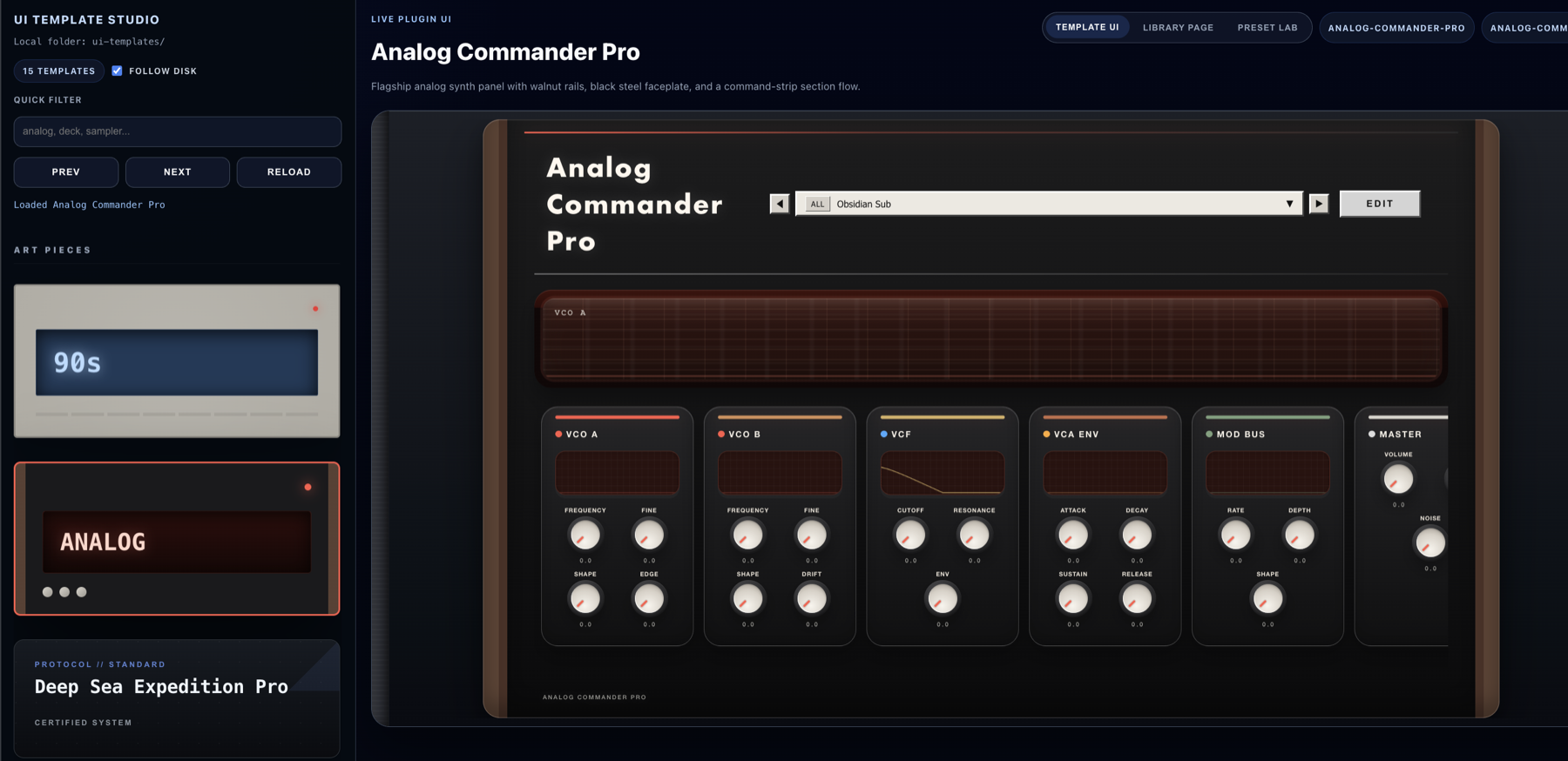
Interface direction for the track-specific pluck proof page.
Best for
These are the clearest workflow fits for this page right now.
- Hook layers, short melodic parts, and arrangement-specific plucks
- Producers replacing almost-right stock presets
- Writers who want one instrument that fits the song quickly
Current limitations
This page should stay clear about what Studio 56 does not claim yet.
- The public workflow is strongest today for synth instruments rather than a broad audio effect platform.
- Audio Unit export and public Windows builds are not part of the current public release.
- The current beta targets macOS 12+ on Apple silicon.
Keep exploring
Follow the closest product, comparison, and proof pages from here.
See the closest use-case page
Move from this proof page into the audience page that best matches the workflow.
Open use-case pageRead the closest comparison page
Use the comparison page to qualify when this workflow fits better than nearby alternatives.
Open comparison pageGet Studio 56 for Mac
Try the Mac beta and move from example-page understanding to the actual product flow.
Get Studio 56 for Mac